Designing with Claude + Paper
Exploring how AI can change the way I design
How can AI-assisted tools help me explore and iterate on product interfaces faster?
Finty is a personal product I'm building to help my kids and I manage their money while developing good financial habits. Rather than treating it as an AI showcase, I wanted to use the project to explore how AI could become part of a real product design workflow.
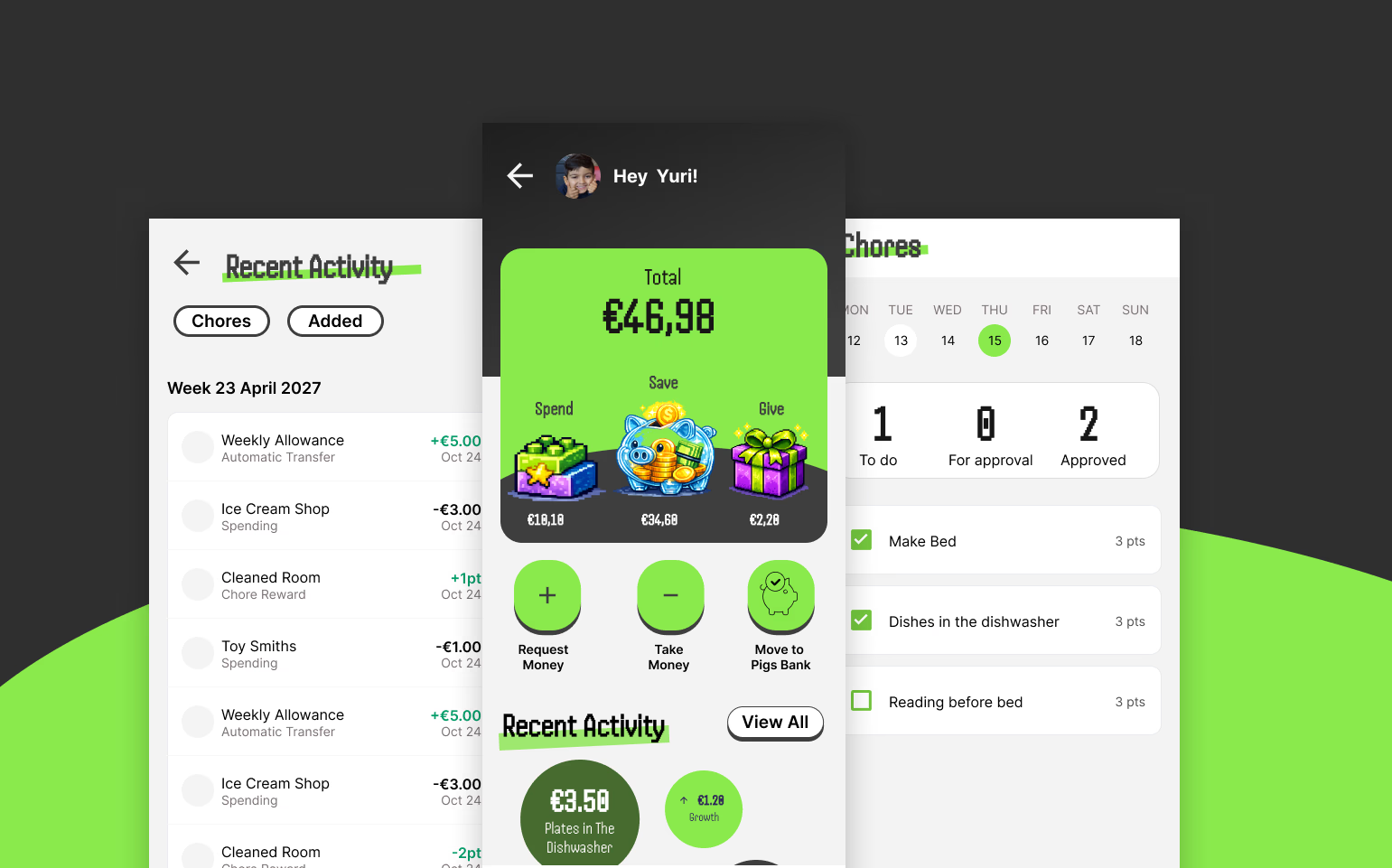
Starting with the Design
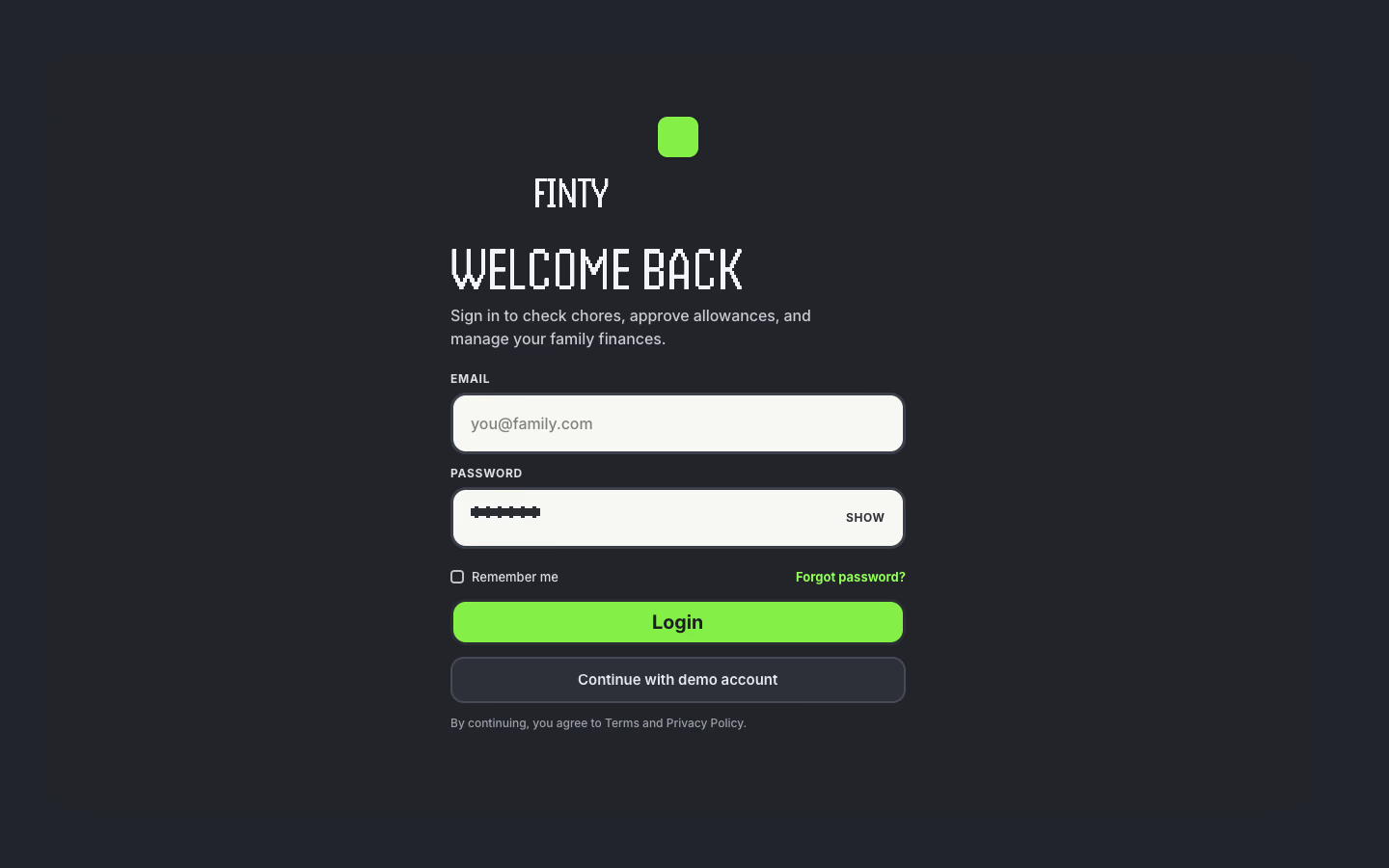
I started by exploring the visual direction of Finty in Figma, including the home experience and overall look and feel. Once I had established an initial direction, I used Claude to generate the first login experience based on those explorations.
The result was functional and consistent with the basic direction, but it felt fairly generic. That allowed me to explore a question I was particularly interested in: could I use AI not just to generate an interface, but to explore different design directions and iterate on them quickly?
Moving from Figma to Paper
For this experiment, I wanted to explore a workflow where Claude could work more directly with a design tool. My personal Figma account only provided read access through its MCP capabilities, so I couldn't use it for the type of workflow I wanted to test. I therefore moved the exploration into Paper, using its MCP connection with Claude.
I asked Claude to take the existing login experience in a more engaging direction, introducing stronger visual storytelling and imagery.
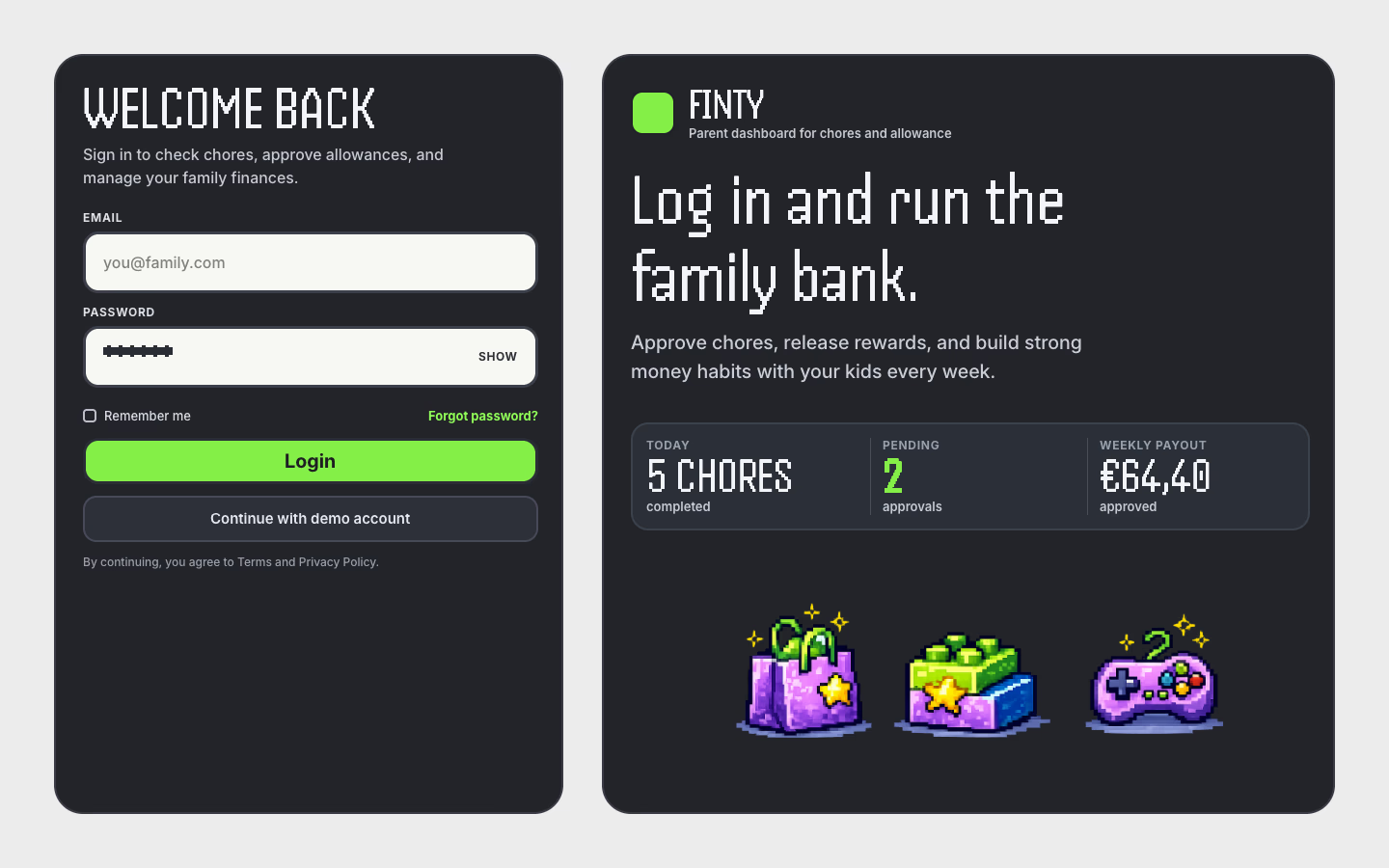
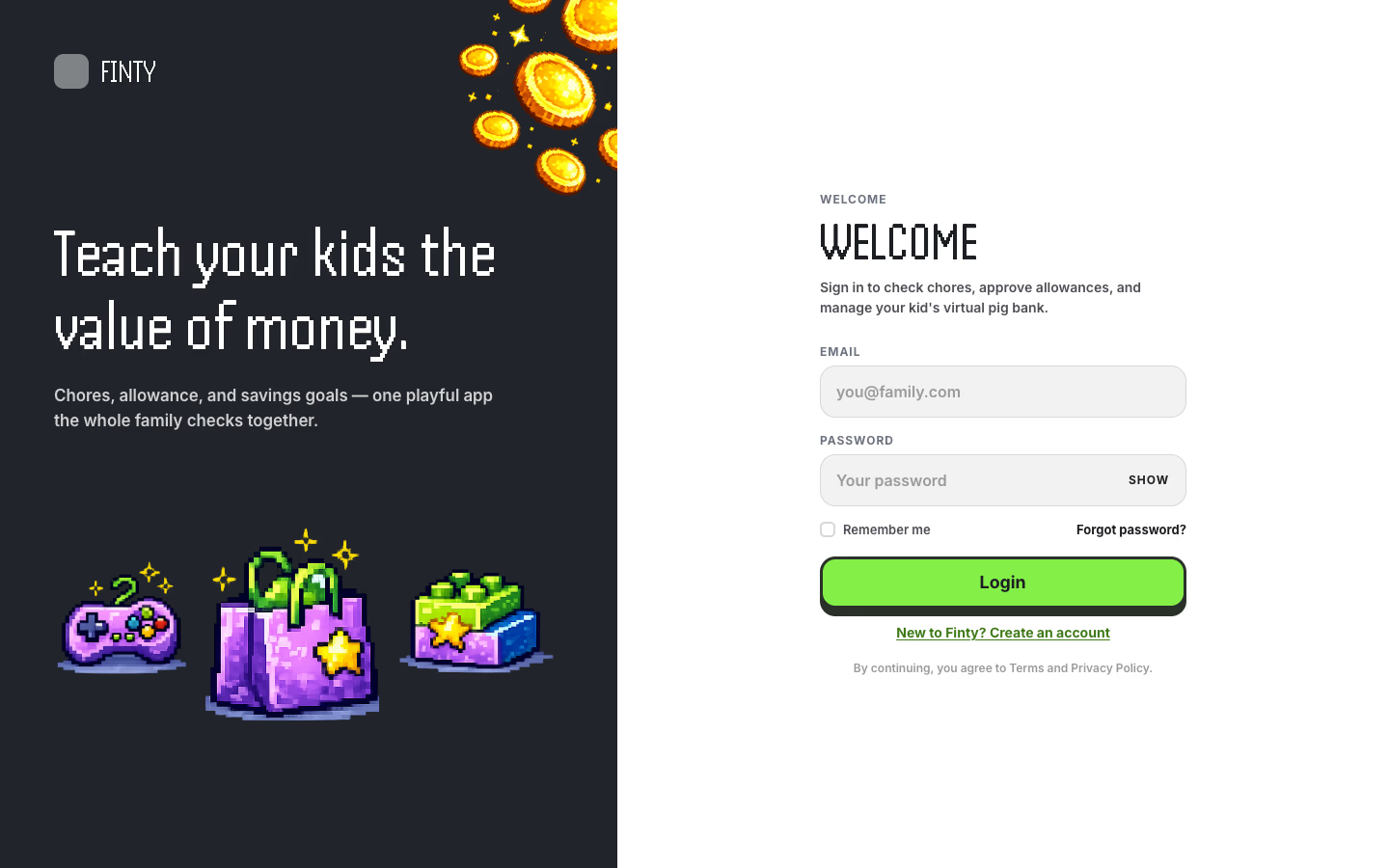
The first result was more visually busy than I wanted, so I kept iterating to find the right balance between the imagery and the login experience. After a few iterations, I arrived at a simpler and more playful direction that felt much closer to what I had in mind for Finty.
Iterating with AI
What became interesting was the iteration rather than the first generated result. I could give Claude feedback on the visual direction, ask it to restructure elements, adjust the balance between imagery and the interface, and quickly explore alternatives without rebuilding each version manually.
The process made experimentation feel much cheaper. Instead of deciding whether a direction was worth the effort of designing, I could explore it and evaluate the result within minutes. I could also make small tweaks directly in Paper, rather than having to describe every change to the agent.
What I Learned
The biggest gain wasn't simply speed. It was the lower cost of exploration.
AI made it easier to move from an initial idea to something tangible, explore alternatives and discard weaker directions quickly. At the same time, the quality of the output still depended heavily on the direction I provided. The first result was relatively generic, and the more useful outcomes came through iteration, clearer constraints and design judgement.
For me, this reinforced an important distinction: AI can accelerate the execution and exploration of design, but it doesn't replace the designer's role in defining the intent, evaluating the output and deciding what is worth pursuing.